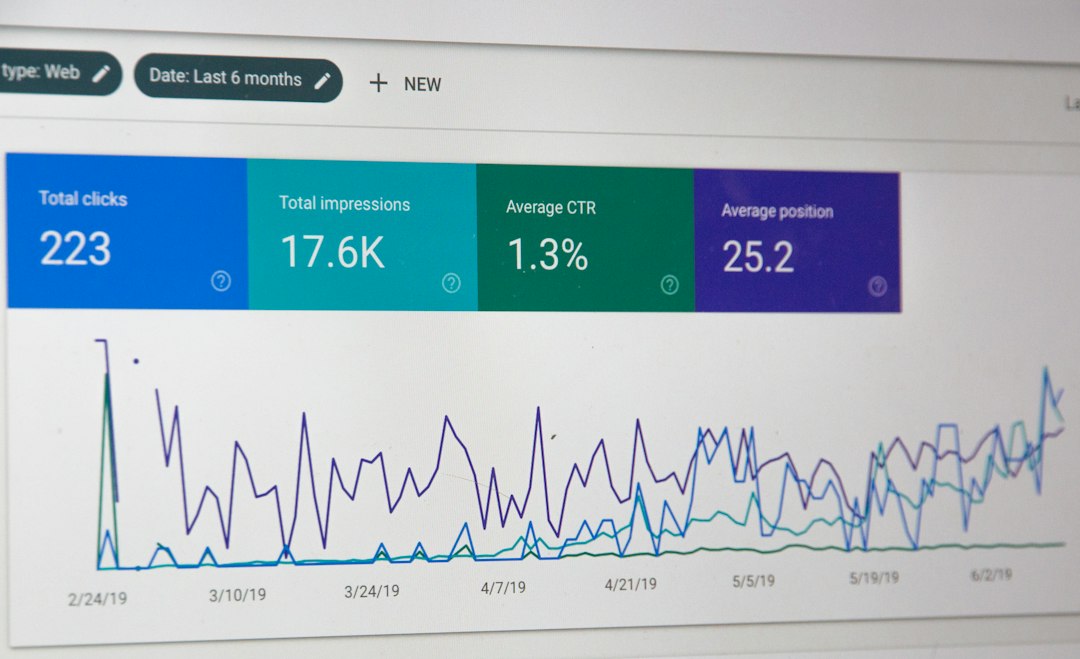
Image optimization is a crucial aspect of SEO that many website owners often overlook. Properly optimized images can significantly enhance load times and improve overall user experience on your site. Moreover, search engines like Google prioritize fast-loading websites, which directly correlates with better rankings.
Why Image Size Matters
Large image files can drastically slow down your website’s loading speed. A website that loads slowly will lead to a higher bounce rate, affecting your SEO performance. Key factors to consider when optimizing image size include:
- File format: JPEG is ideal for photographs, while PNG is preferable for images requiring transparency.
- Dimensions: Resize images to fit the display size without sacrificing quality.
- Compression: Use tools or plugins to compress images without losing significant quality.
Best Practices for Image Optimization
Following best practices for image optimization can lead to enhanced visibility and improved engagement. Here are the key steps:
1. Choose the Right File Format
Selecting the appropriate format for your images can affect both quality and loading speed. Opt for:
- Use JPEG for photos; it provides high quality with smaller file sizes.
- Use PNG for images that require transparency.
- Consider WebP for a balanced approach offering high-quality images and low file sizes.
2. Optimize Image Alt Text
Alt text helps search engines understand the content of an image and is also crucial for accessibility. Make sure to:
- Describe the image accurately without keyword stuffing.
- Include relevant keywords that reflect the content of the page.
- Keep it concise, ideally under 125 characters.
3. Implement Responsive Images
With the surge in mobile traffic, it’s essential to use responsive images that adjust to the device they’re viewed on. This enhances user experience and reduces loading times on mobile devices.
Tools and Resources for Image Optimization
Utilizing tools can streamline the image optimization process. Here are some effective tools:
- ImageOptim: Great for macOS users to compress images.
- TinyPNG: An online tool that compresses PNG and JPEG files efficiently.
- ShortPixel: A popular review seo tools service specifically designed for website images.
- Photoshop: If you have access, utilize the “Save for Web” feature.
Integrating Image Optimization into Your SEO Strategy
To enhance your website’s visibility, image optimization should be seamlessly integrated into your broader SEO strategy. This means keeping up with 2024 seo trends and practices that emphasize user engagement and functionality.
Performance Monitoring
After implementing image optimization techniques, monitor performance using analytics tools. Check metrics such as:
- Page load speed
- Bounce rate
- Conversion rates
Regular Updates
Regularly revisit your images to ensure they are optimized for current trends and technologies. As algorithms and user preferences evolve, keeping your content updated is vital.
Conclusion
Image optimization is an indispensable part of today’s SEO for blogs and websites. By focusing on the right file formats, optimizing alt text, and employing responsive images, you can significantly boost your website’s performance. Start applying these techniques today and watch your metrics improve!